Step 1
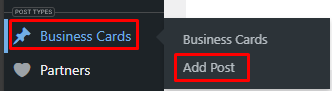
Hover on ‘Business Cards’ and Select Add Post
Step 2
Once the page has loaded.
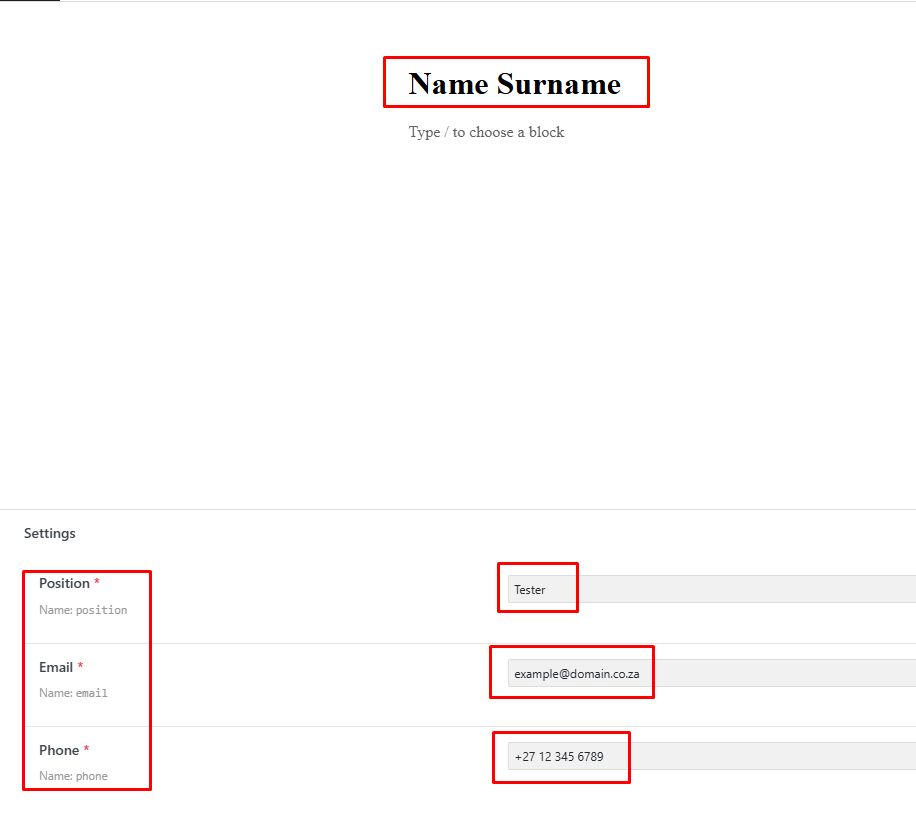
Post Title must be your <Name> <Surname>
Fill in Position, Email, Phone number (Including Country Code)
Step 3
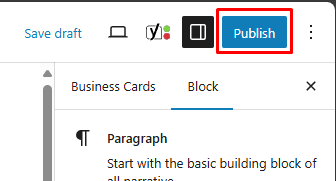
Publish the post
Step 4
Publish Again
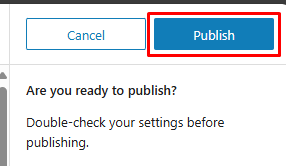
Step 5
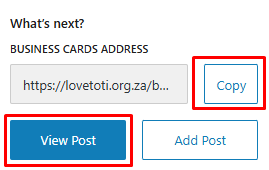
View the post, or copy the link